
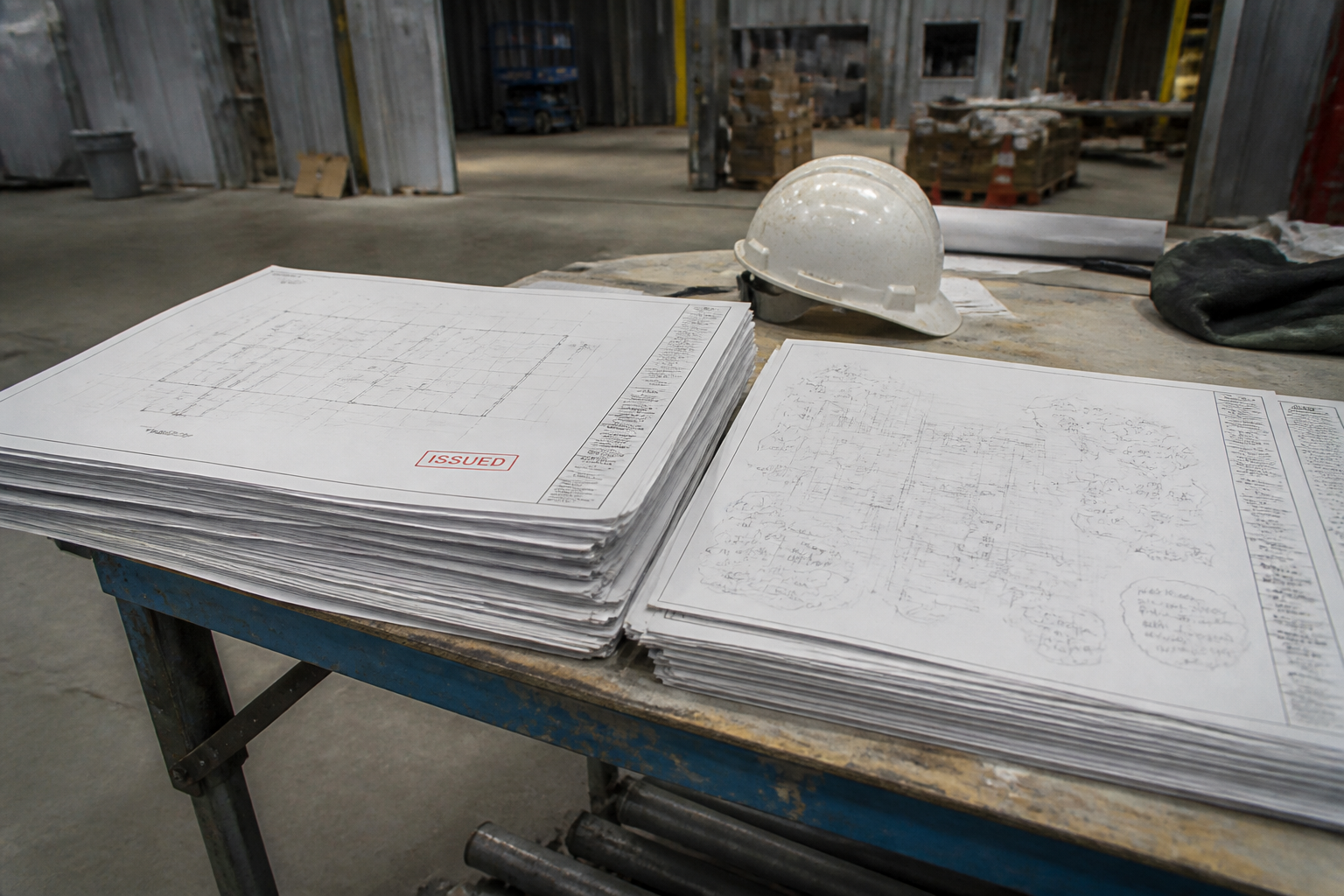
Solar record drawings and as-built documentation are how you freeze the job after the last field change. The permitted set is what the AHJ approved. The record set is what a stranger should use next year. If those two PDFs are the same file, good. If they are not, and you only keep the permit set, the next person will troubleshoot a roof that no longer exists on paper.
This post is for installer ops and EPCs in Massachusetts, Rhode Island, Connecticut, New York, and Pennsylvania who need a closeout habit, not a philosophy.
Permitted set vs record set
Permitted set: the drawings listed on the issued permit, plus any approved revisions. Construction is supposed to follow it.
Record / as-built set: the permitted set updated to as-installed conditions, with revisions noted. Solar as-built documentation at minimum updates module count, inverter identity, disconnect location, and stringing.
A folder named “FINAL FINAL 2” is not a record set.
After field changes
Typical Northeast field changes:
- Dropped modules around a vent
- Inverter relocated to meet Eversource’s 10-foot disconnect-to-meter preference in Connecticut after the electrician saw the real wall
- Racking span change when rafters were not where the survey guessed
- Storage added late (that one is often a new permit and a new interconnection application, not a quiet as-built)
Smaller deviations: as-built documentation in the utility completion packet and, if the AHJ asked, a city upload. Larger deviations: revision permit first. If you are unsure, ask the inspector and the utility reviewer. Do not pick the cheaper option in a vacuum.
Who receives solar as-built documentation
- AHJ, if they want record drawings on file
- Utility, as part of the interconnection application closeout before PTO
- Customer or asset manager
- Incentive program if equipment lists changed
- Your own service team
Rhode Island Energy’s completion checklist is a good example of a utility asking for location documentation, not just a signature. SIR closeout on larger New York jobs is another. PECO PTO assumes the installed private generation system is the one they reviewed.
Quality bar
Record drawings should be as readable as the permit set. Hand redlines are a source. They are not the deliverable we would send to Con Edison.
Title block: project address, revision, “as-built” or “record” dated. PE seal if the original was sealed and the change is engineering, not a note. Athol Energy handles that through as-built drawing and PE stamping.
A simple closeout rule
If the roof matches the permit, keep the permit set as the record and say so in the completion note.
If the roof does not match, do not ask for permission to operate until solar as-built documentation exists and, where required, is uploaded to the same interconnection case.
That habit is more valuable than a new template. We will still take the redlines if you want us to CAD them.
A closeout checklist you can paste into a PM tool
- Issued permit set stored
- Field redlines collected the day of substantial completion
- Decision: no change / as-built only / AHJ revision / utility revision
- Solar as-built documentation drafted if needed
- PE seal if the original was sealed and the change is engineering
- Upload to city if they want record drawings
- Upload to the interconnection application case
- Update incentive equipment lists (SMART, RRES, NY-Sun, SREC registration) if SKUs changed
- Only then ask for PTO
Skip a line and you will redo it during the meter week.
Record drawings after storage is added
Adding batteries after PTO is usually a new permit and a new interconnection application, not a footnote on the old solar record drawings. Hybrid operating modes change screens. Do not hide storage in an as-built cloud.
Who pays
If the field changed because the survey was wrong, that is a company cost. If the customer added a skylight mid-job, that is a change order. Say which in the folder so as-built documentation does not turn into an argument after the fact.
Athol Energy will CAD either case. We just want the reason code.
Naming that survives a year
Use address_YYYYMMDD_asbuilt_revC.pdf, not “scan from Joe.” Solar record drawings only help if the O&M person can find them. Put a copy in the customer folder and in the portal. If LiteSpeed or the AHJ portal ate the upload, keep the local file.
When a job has both electrical and structural as-builts, keep them as one combined PDF in the same order as the issued set. Reviewers search by sheet number.
If a future electrician opens the folder and cannot tell permitted from record, the as-built documentation failed even if the CAD is pretty. Put a one-line note on sheet 1: issued date, as-built date, whether nameplate changed. That note has saved us more arguments than any cover sheet.